
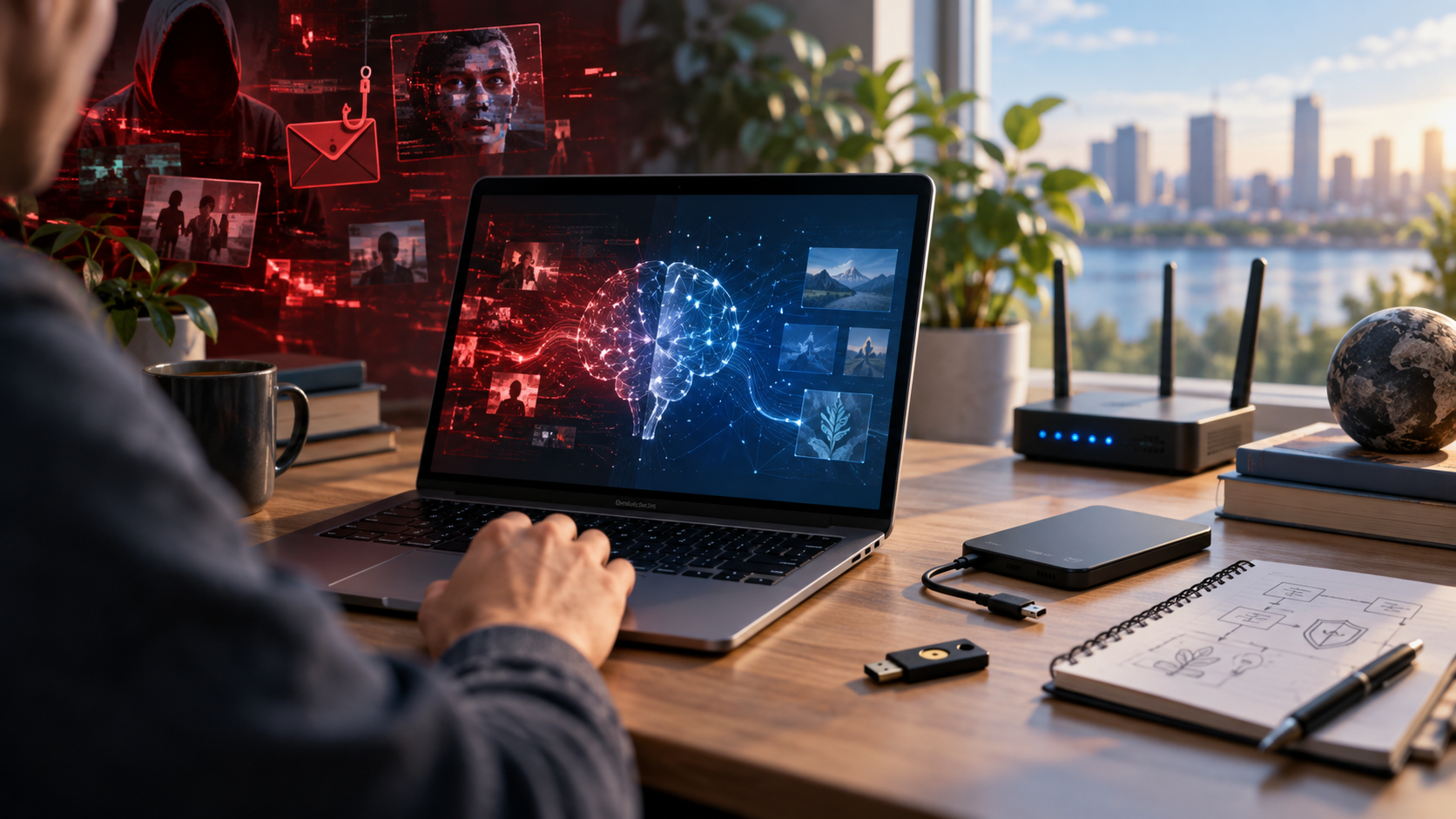
Twenty years ago, before artificial intelligence became something the average person interacted with every day, I was having a conversation with a group of technically minded coworkers.
The subject somehow turned to artificial intelligence and, naturally, Skynet.
Someone jokingly told me that if Skynet ever became real, I would probably be one of its targets.
My answer was basically: I’ll be ready.
My grand strategy at the time was pretty simple. Disconnect from the outside world, go low-tech, isolate anything that might be compromised, and figure out how to shut the thing down from there.
It was mostly a joke.
Twenty years later, it does not sound quite as ridiculous as it did then.
To be clear, I am not preparing for Terminators to start walking down the street, and I am not suggesting anyone build an underground bunker because artificial intelligence is going to wipe out humanity next Tuesday.
But I do think we are entering a period where some old-fashioned technology habits are becoming more important again.
And strangely enough, one of our best defenses against some of the most advanced technology ever created may be something as simple as an unplugged hard drive sitting in a drawer.
AI Is Not the Problem by Itself
I use artificial intelligence constantly.
For me, AI works best as a collaborative tool. I provide the direction, experience, judgment, and final decision. The AI helps me analyze information, organize complicated problems, write code, troubleshoot systems, research possibilities, and sometimes simply look at a problem from another direction.
Used that way, AI can be an incredible force multiplier.
The problem is that the same thing is true for everyone else.
That includes hackers.
Scammers.
Fraudsters.
Criminal organizations.
And anyone else trying to manipulate another person or compromise a computer system.
The near-term danger from AI may not be some self-aware machine deciding humanity needs to disappear.
The more immediate danger may simply be the same bad actors we already deal with becoming much more capable.
A scammer who once sent a badly written phishing email may soon be able to generate thousands of perfectly written messages tailored specifically to each person.
A fraudulent phone call may sound exactly like someone you know.
A fake video may eventually be convincing enough that seeing someone with your own eyes is no longer proof that you are actually talking to that person.
Hackers can use AI to analyze software, search for vulnerabilities, automate repetitive work, and potentially attack more systems at the same time.
None of that requires science fiction.
Much of it is already beginning to happen.
So rather than preparing for an AI war, I think it makes much more sense to prepare for an increasingly hostile and increasingly convincing digital environment.
Fortunately, many of the things we can do are neither complicated nor expensive.
Keep an Offline Backup
If you take only one thing away from this article, make it this one.
Keep an offline backup of your important data.
Cloud backups are useful.
Network-attached storage is useful.
Synchronizing your files between computers is useful.
But if every copy of your data is permanently connected to the same network, then theoretically every copy can also be reached from that network.
That matters with ransomware, compromised administrator accounts, malicious software, accidental deletion, and plenty of problems that have absolutely nothing to do with artificial intelligence.
An external hard drive that is disconnected when you are not using it is different.
Software cannot encrypt a drive it cannot reach.
A remote attacker cannot delete files from a drive that is sitting unplugged on a shelf.
This does not have to be complicated.
Periodically connect the drive, perform your backup, verify that the backup actually contains what you expect, and disconnect it again.
I have been working with computers long enough to know that backups are a little like taking your medicine.
Everyone knows they should do it.
It is easy to put off.
And you usually discover how important it was at the worst possible time.
AI makes that lesson more important, not less.
Do Not Trust a Voice Just Because You Recognize It
For most of our lives, recognizing someone’s voice has been a pretty good form of authentication.
That assumption is becoming dangerous.
Voice cloning is getting better.
Video generation is getting better.
Synthetic images are getting better.
Eventually, families may need to treat a familiar voice on the telephone the same way security professionals treat an email address.
It is evidence.
It is not proof.
If a family member suddenly calls asking for money, account information, passwords, or something else unusual, verify the request using another method.
Call them back using a number you already have.
Send a message through another communication channel.
Ask something the caller should know.
Families could even establish a private verification phrase for emergencies.
That may sound slightly paranoid today.
In a world where computers can imitate people convincingly, it may eventually become as normal as checking caller ID.
Use Strong Authentication
Passwords alone are increasingly becoming the weakest part of many systems.
Whenever possible, use multifactor authentication, passkeys, or hardware security keys.
And especially protect the accounts that can be used to recover everything else.
Your email account is a good example.
If someone gains control of your primary email account, they may be able to reset passwords for dozens of other services.
The same applies to financial accounts, domain registrars, cloud services, and important administrative accounts.
Also keep your recovery codes somewhere safe.
Preferably somewhere that does not require logging into the very account you are trying to recover.
Separate Important Things From Unimportant Things
One lesson from professional networking applies just as well at home:
Everything does not need to trust everything else.
The inexpensive smart light bulb you bought online does not necessarily need unrestricted access to the computer containing your financial records.
The random Internet-connected appliance in your kitchen probably does not need to communicate freely with your home server.
Guest devices do not necessarily need access to your internal network.
Network segmentation sounds like something only businesses need, but modern routers increasingly make basic separation fairly easy.
At minimum, consider separating:
- trusted computers and servers,
- smart-home and Internet-of-Things devices,
- guest devices,
- experimental equipment.
The idea is simple.
If one thing gets compromised, make it harder for the attacker to reach everything else.
Patch Your Systems
Updates can be annoying.
I understand that better than most people.
Updates sometimes break things.
Sometimes they change interfaces nobody asked to have changed.
Sometimes an update arrives precisely when you are trying to get something important done.
But security updates exist for a reason.
As AI makes it easier to analyze software and automate parts of the attack process, the amount of time between a vulnerability becoming known and someone trying to exploit it may continue to shrink.
That makes leaving systems unpatched increasingly risky.
You do not necessarily need to install every major software upgrade the moment it appears.
But security patches deserve attention.
Especially on anything exposed directly to the Internet.
Know How to Disconnect
Here is where twenty-years-ago me gets a little credit.
If something truly appears compromised, there is nothing unsophisticated about disconnecting it.
Pull the network cable.
Turn off Wi-Fi.
Disconnect the Internet connection.
Contain the problem first.
Investigate second.
In cybersecurity this is simply isolation.
If a computer cannot communicate with other systems, it becomes much harder for whatever is happening on that machine to spread or communicate with an outside attacker.
This does not mean unplugging your router every time Windows acts strangely.
But knowing how to isolate your network or individual devices is useful knowledge.
I still like the simplicity of the old strategy:
When in doubt, pull the plug.
Keep Important Information Outside the Cloud
Cloud services are convenient.
I use them.
Most people use them.
But convenience can slowly turn into dependency without us realizing it.
Ask yourself what would happen if you suddenly lost access to your email account, password manager, cloud storage, AI assistant, or another service you rely on every day.
Could you recover?
Consider keeping offline copies of things such as:
- important phone numbers,
- account recovery codes,
- encryption keys,
- software licenses,
- network configurations,
- important documents,
- emergency information,
- instructions for rebuilding important computer systems.
The goal is not to stop using cloud services.
The goal is to make sure losing one service does not mean losing everything.
Back Up Your Knowledge Too
This is especially important for technical people.
We often build systems that make perfect sense while we are actively working on them.
Six months later, we may barely remember why something was configured a certain way.
Documentation is another kind of backup.
Write down how important systems work.
Document how to rebuild them.
Keep configuration information.
Save installers when appropriate.
Keep copies of important source code.
Record unusual settings.
If AI becomes an increasingly important part of how we work, this becomes even more important.
I enjoy using AI as an enhancement to what I do.
But I do not want the disappearance of an AI service someday to mean that I can no longer understand or maintain the systems I created with its assistance.
The human needs to remain capable of taking the wheel.
Use AI, But Keep Yourself in Charge
This may be the most important point of the entire discussion.
I do not believe the answer to the risks created by AI is avoiding AI.
There is too much potential benefit.
AI can help people learn.
It can help programmers build software.
It can help administrators diagnose systems.
It can help people communicate ideas.
It can help researchers analyze information.
It can help defenders identify threats just as it can help attackers create them.
The important part is maintaining the relationship correctly.
For me, the relationship works like this:
I provide the objective.
AI helps me get there.
I question it.
I correct it.
Sometimes I reject what it recommends entirely.
Anyone who has worked with me on a technical project knows that I have absolutely no problem saying:
“Nope. We are going down a rabbit hole. Stop.”
That may become a surprisingly important skill in the AI era.
Artificial intelligence should enhance human judgment, not replace it.
Do Not Panic
There are serious discussions happening about the long-term risks of increasingly powerful artificial intelligence.
Those discussions deserve to happen.
Researchers should be thinking about them.
Governments should be thinking about them.
The companies building these systems should certainly be thinking about them.
But the average person probably does not need to spend much time worrying about an artificial intelligence deciding to declare war on humanity.
There are plenty of more realistic threats to prepare for first.
AI-assisted fraud.
More convincing phishing.
Automated hacking.
Identity theft.
Fake audio and video.
Ransomware.
Compromised online accounts.
And ordinary equipment failure, which will remain perfectly capable of ruining your day without any assistance from artificial intelligence.
Fortunately, protecting yourself against many of those problems looks remarkably similar to good computer practices we should have been following all along.
Keep backups.
Keep one offline.
Use strong authentication.
Verify unusual requests.
Separate important systems.
Install security updates.
Document your technology.
Know how to disconnect something when necessary.
And never allow one service to become your only path to recovering everything else.
Maybe Skynet Taught Us Something After All
Twenty years ago, my imaginary response to Skynet was essentially to disconnect from the outside world and figure things out from there.
Today I would probably make the plan slightly more sophisticated.
But perhaps not that much more sophisticated.
Technology becomes more complicated every year.
Artificial intelligence may become one of the most transformative technologies humanity has ever created.
But sometimes resilience still comes down to surprisingly simple ideas.
Maintain control.
Keep another copy.
Verify before you trust.
Know how your technology works.
And always have a way to operate when the network is gone.
So no, I am not preparing for an AI war.
But I might keep an unplugged hard drive nearby.
Just in case Skynet remembers that conversation from twenty years ago.
Leave a Reply